It’s been half a month since the NBA 2K20 was released, but there are still a lot of shortcuts for players who don’t understand the offensive and defensive commands. So, the U4GM today brings you a list of NBA2K20 offensive-defensive command shortcuts.
Offensive Command Shortcut
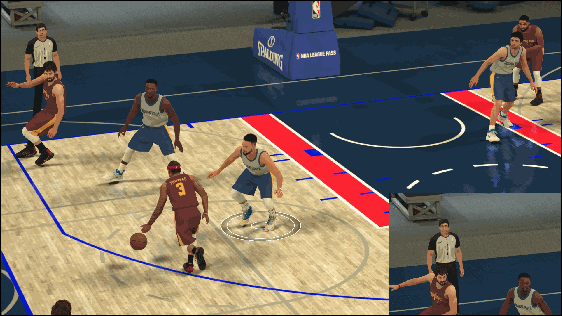
- Pause: Press the back button while attacking.
- 2K Smart Tactical Call: Press the LB button and use the right joystick to call fast tactics and team-specific dynamic tactics. The tactics will change depending on the situation and personnel on the field.
- position tactical call: Press the LB button and press the teammate’s action button to select the tactic from the menu.
- Pick and roll foundation: Hold down the LT button to let the teammates set the cover.
- Pick and roll control: Hold down the LB button and use the RT button to select the direction.
- After cover External cutting:After the pick and roll, press the LB button again before the cover player is hit, let him pretend to cover and pull it open.
- Positioning Pick and roll: Pressing the LB button and then holding down the action of the teammates allows him to set up a cover.
- Move along the bottom line: After hitting the shot, the serving player can move along the bottom line, hold down the LT button and use the right stick to move the player.
Defensive command shortcut
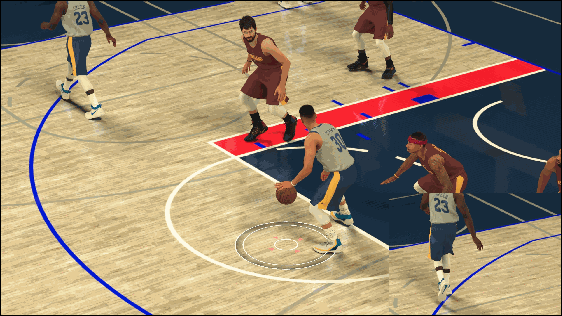
- Intentional foul: Next to the offensive player, press and hold “1” repeatedly.
- The team intentionally fouled:Press the back button to let the team try to make a foul.
- Defensive pressure adjustment: Press the LB button, then press the action button for the desired defensive player and select the defensive strategy from the menu.
I hope these shortcuts can help you to complete the game better. We not only provide Raiders, but we also sell NBA 2k20 mt, U4GM is a professional store with five years of sales experience of NBN 2k20 cheap mt. If you really like this game, why not spend some money?

